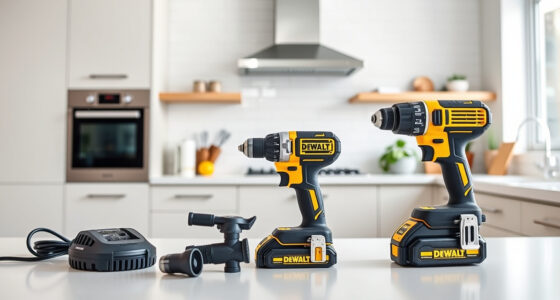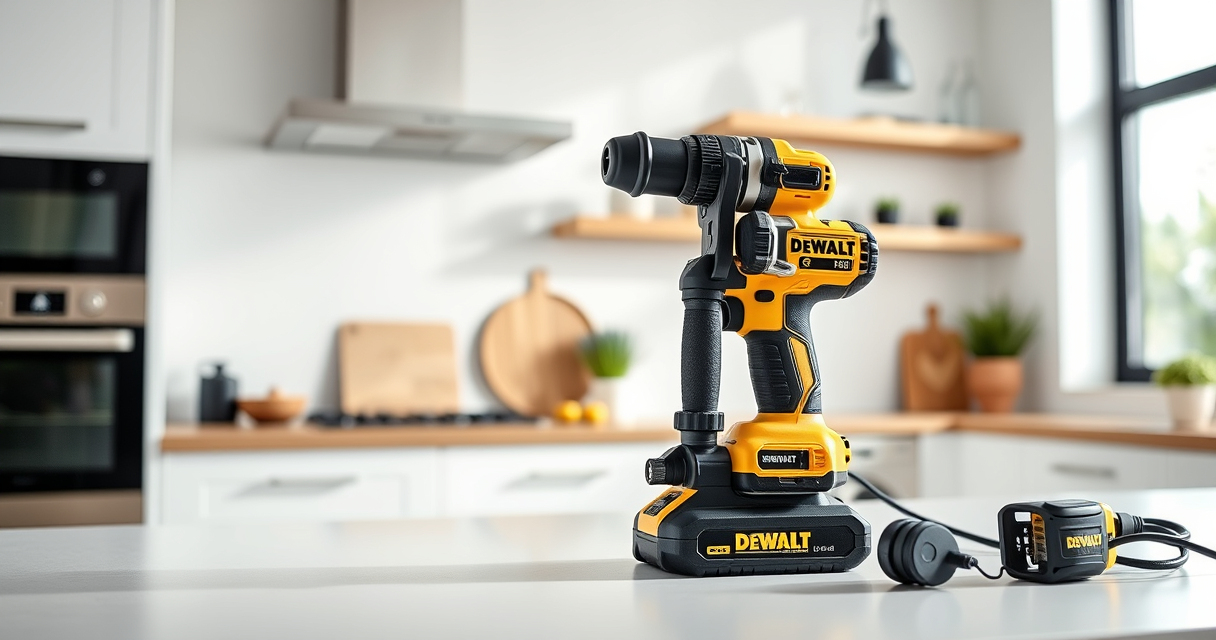
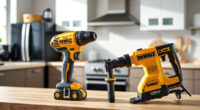
If your DeWALT 20V MAX battery isn’t charging, it can be frustrating and hinder your work. Understanding common causes and following safe troubleshooting steps can help you resolve the issue quickly. This guide provides practical, step-by-step instructions to get your power tools back in action.

Get garden gear delivered free with Prime
- Fast, free delivery on millions of items
- Prime Video, Amazon Music and more included
- Member-only deals all year
Key Takeaways
| Battery Age | Older batteries may lose capacity and fail to charge. |
| Charger Compatibility | Using incompatible chargers can prevent charging. |
| Connection Issues | Loose or dirty contacts can stop charging. |
| Overheating | Batteries or chargers may shut down if overheated. |
| Power Source | Check outlet or power source for issues. |
Step 1: Inspect the Battery and Charger
- Ensure the battery is properly inserted into the charger, clicking into place.
- Check for visible damage, corrosion, or dirt on the battery contacts and charger ports.
- Clean contacts gently with a dry cloth if dirty.
Step 2: Verify Power Source
Test the outlet with another device to confirm it has power. Try plugging the charger into a different outlet or power strip to rule out outlet issues.
Step 3: Test the Charger
- Ensure the charger’s LED indicator (if available) lights up when plugged in.
- If the charger has a reset button or fuse, check or replace if necessary.
- Try charging a different compatible battery if available to determine if the charger is faulty.
Step 4: Examine the Battery
If the battery is old or has been stored improperly, it may be unable to charge. Try using a different, known-good battery to test if the issue is with the battery itself.
Step 5: Address Overheating or Safety Locks
If either the battery or charger is hot, allow them to cool for at least 30 minutes before retrying. Do not attempt to charge if overheating occurs, as it can damage the battery or pose safety risks.
The Products in This Guide

DEWALT 20V MAX Cordless Drill Driver Set
- ✔ LED Light: Yes
- ✔ Speed Settings: 2
- ✔ Battery Capacity: 2.0 Ah

DEWALT Drill Bit Set
- ✔ Number of Bits: 14
- ✔ Coating: Black and Gold
- ✔ Tip Type: Split Point
DEWALT 20V MAX Cordless Drill Driver Set
The DEWALT 20V MAX Cordless Drill Driver Set offers excellent power and durability for various tasks. Its brushless motor extends runtime, and the lightweight design makes it easy to handle in tight spaces. Proper battery care ensures longevity and optimal performance.
Pros:
- Brushless motor for longer run time
- Lightweight and ergonomic
- LED light for visibility
- 2-speed transmission
Cons:
- Battery life limited by age
- Charger may need replacement if faulty
- No quick charging feature
Best for: General-purpose drilling and fastening in tight or awkward spaces
Not ideal for: Heavy-duty industrial applications
Bottom line: A versatile cordless drill perfect for most DIY and professional tasks.
DEWALT Drill Bit Set
This 14-piece DEWALT Drill Bit Set features high-speed steel bits with a 135-degree split point, ideal for plastic, wood, and metal. Its durability and rust resistance make it a valuable addition to your toolkit.
Pros:
- Corrosion-resistant coating
- Tapered web design for strength
- Easy size identification
- Suitable for multiple materials
Cons:
- Limited to drilling bits only
- Not for heavy-duty industrial use
- Size range may be insufficient for some projects
Best for: DIY projects and light to medium-duty drilling tasks
Not ideal for: Heavy industrial applications or large diameter drilling
Bottom line: A reliable drill bit set for versatile home and workshop use.
Frequently Asked Questions
Why isn’t my DeWALT battery charging?
Common causes include dirty contacts, faulty charger, battery age, or power source issues. Follow the troubleshooting steps to identify the problem.
How can I tell if my battery is dead?
If the battery is old, shows no charge after multiple attempts, or the LED indicator (if present) shows no charge, it may need replacement.
Can I use a different charger for my DeWALT battery?
Use only the compatible DeWALT charger designed for 20V MAX batteries to avoid damage and ensure safety.
What safety precautions should I follow when troubleshooting?
Always unplug chargers before cleaning contacts, avoid charging in extreme temperatures, and do not attempt to charge a damaged or overheated battery.
Getting Your Power Tools Ready Again
By carefully inspecting your battery, charger, and power sources, you can often resolve charging issues safely and effectively. Remember to handle batteries with care, avoid exposing them to extreme temperatures, and replace aged components when necessary. Proper maintenance ensures your DeWALT tools remain reliable for years of work.
Affiliate disclosure: As an Amazon Associate we earn from qualifying purchases. Prices and availability are accurate as of the time of publishing.
Fall yard work Picks
leaf blowers
As an affiliate, we earn on qualifying purchases.