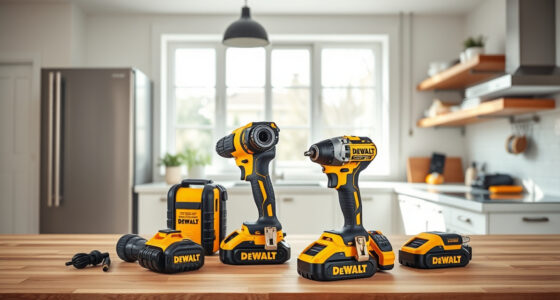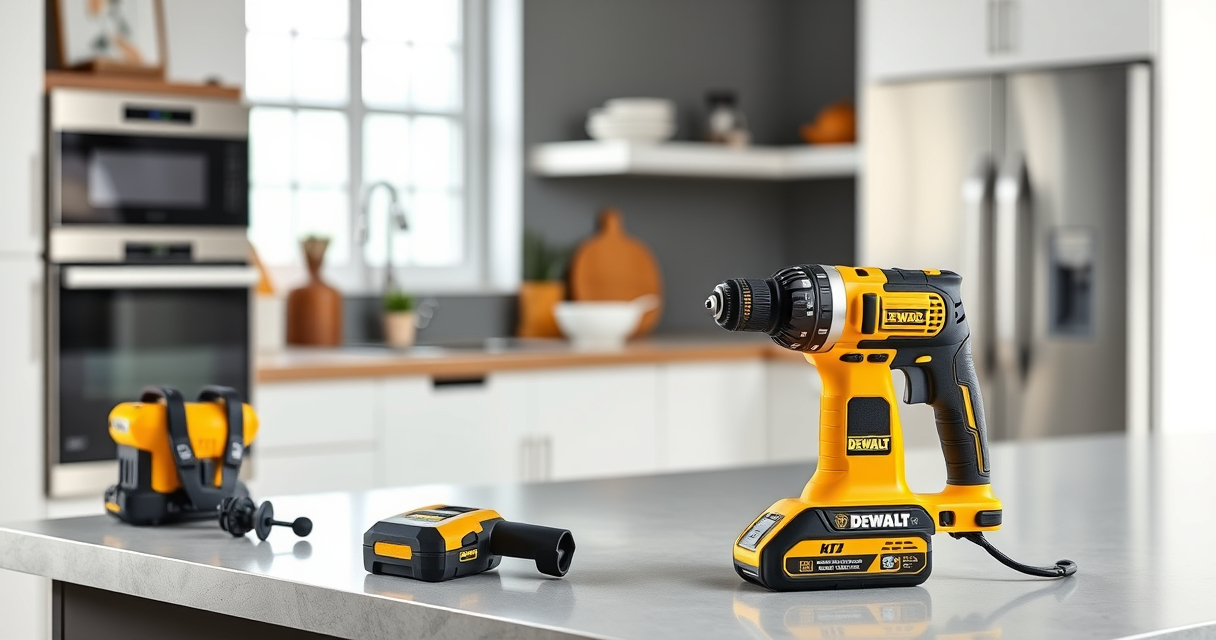

Getting started with your new DEWALT power tools can seem daunting, but with the right setup process, you’ll ensure safe operation and maximize performance. This guide walks you through the essential steps to assemble, configure, and troubleshoot your DEWALT tools, focusing on safety and efficiency. Whether you’re a seasoned professional or a DIY enthusiast, following these steps will help you get the most out of your equipment.

Get garden gear delivered free with Prime
- Fast, free delivery on millions of items
- Prime Video, Amazon Music and more included
- Member-only deals all year
Remember, safety always comes first—wear appropriate protective gear, read the user manual, and work in a clean, dry environment. Let’s dive into the step-by-step setup process for your DEWALT power tools, starting with the popular 20V MAX Cordless Drill Driver Set.
Key Takeaways
| Safety First | Always wear protective gear and read the manual before starting. |
| Battery Preparation | Ensure batteries are charged and properly installed. |
| Assembly Basics | Attach drill bits securely and check all connections. |
| Test Run | Perform a test to ensure the tool is functioning correctly. |
| Troubleshooting | Identify common issues and resolve them safely. |
Preparing Your Workspace and Safety Equipment
- Choose a clean, dry, and well-lit workspace free of clutter and obstructions.
- Wear safety glasses, hearing protection, and gloves if necessary.
- Ensure your power source (batteries or outlets) is reliable and within easy reach.
Safety gear protects you from accidental injury, and a tidy space reduces hazards during operation. Always double-check your environment before powering up your tools.
Installing and Charging Your Batteries
- Remove the batteries from the packaging and inspect for any damage.
- Insert the batteries into the charger, ensuring they click into place.
- Plug in the charger and wait until the indicator shows that charging is complete, typically indicated by a green light.
- Once charged, insert the batteries into your DEWALT drill, ensuring they are fully seated.
Using fully charged batteries guarantees optimal power and prevents interruptions during your work. Always use compatible batteries with your specific DEWALT model.
Assembling Your DEWALT Cordless Drill
- Attach the drill bit by opening the single-sleeve ratcheting chuck.
- Insert the bit into the chuck, ensuring it is centered and fully seated.
- Tighten the chuck by twisting it clockwise until the bit is secure.
- Check that the battery is properly installed and locked into place.
Proper assembly ensures safety and efficiency. Use the right size and type of bit for your task, and double-check that the chuck is tight before operation.
Performing a Test Run and Adjustments
- Turn on the drill by pressing the trigger and selecting the desired speed setting.
- Test the drill on a scrap piece of material to observe its performance.
- Adjust the clutch or speed settings if necessary for your specific application.
- Ensure the LED light activates and illuminates your work area.
This initial test helps identify any issues and ensures your tool operates correctly. It also familiarizes you with the controls and features of your DEWALT drill.
Troubleshooting Common Issues
- Battery not charging: Check the charger and battery for damage, and ensure proper contact.
- Tool not turning on: Verify the battery is charged and fully inserted.
- Bit slipping in chuck: Tighten the chuck securely or replace if worn.
- Overheating: Allow the tool to cool down and avoid prolonged use without breaks.
Most issues are simple to resolve with regular maintenance and correct handling. Always disconnect the battery before troubleshooting or cleaning your tool.
The Products in This Guide

DEWALT 20V MAX Cordless Drill Driver Set
- ✔ Dimensions: 7.6 in.
- ✔ Battery Included: Yes
- ✔ Warranty: 3 years

DEWALT Drill Bit Set
- ✔ Compatibility: Sizes > 3/16 inch
- ✔ Coating: Anti-rust
- ✔ Design: Tapered web
DEWALT 20V MAX Cordless Drill Driver Set
The DEWALT 20V MAX Cordless Drill Driver Set offers reliable power, excellent ergonomics, and smart features like an LED light for working in dim environments. Its brushless motor provides longer run time and durability, making it a top choice for a wide range of tasks.
Pros:
- Brushless motor for longer life and runtime
- Compact and lightweight design
- LED work light for better visibility
- Includes 2.0 Ah battery and charger
Cons:
- Battery life may vary with heavy use
- Limited to 1/2 inch chuck size
Best for: General-purpose drilling, fastening in tight spaces, home improvement projects
Not ideal for: Heavy-duty industrial applications or high-torque tasks
Bottom line: A reliable, versatile drill perfect for home projects and professional use.
DEWALT Drill Bit Set
Complement your DEWALT drill with this durable 14-piece drill bit set featuring high-speed steel and a 135-degree split point tip. Ideal for drilling into plastic, wood, and metal.
Pros:
- High-Speed Steel construction
- Split point reduces walking
- Includes 14 different sizes
- Rust-resistant coating
Cons:
- Only compatible with drill bits larger than 3/16 inch
- No carrying case included
Best for: General-purpose drilling, DIY projects, light to medium duty tasks
Not ideal for: Heavy industrial metal drilling or concrete work
Bottom line: A versatile set that enhances drilling precision and efficiency.
Frequently Asked Questions
How do I ensure my drill is properly assembled?
Insert the drill bit into the chuck, tighten securely, and ensure the battery is fully seated before use.
What safety precautions should I take when using my DEWALT drill?
Always wear safety glasses, keep your work area clean, and avoid loose clothing. Disconnect the battery before maintenance.
How can I extend the battery life of my DEWALT tools?
Charge batteries fully before use, avoid letting them fully discharge frequently, and store them in a cool, dry place.
What should I do if my drill stops working mid-task?
Check the battery charge, ensure the bit is properly installed, and inspect for any visible damage. Troubleshoot as needed.
Can I use other brand batteries with my DEWALT drill?
It’s recommended to use DEWALT batteries designed for your specific model to ensure compatibility and safety.
Getting Your DEWALT Power Tools Ready for Action
Proper setup of your DEWALT power tools is essential for safe and effective operation. By following these step-by-step instructions, you ensure that your tools are assembled correctly, batteries are charged, and safety precautions are in place. Regular maintenance and troubleshooting will keep your tools running smoothly for years to come. With the right preparation, you’ll be ready to tackle any project with confidence and precision.
Affiliate disclosure: As an Amazon Associate we earn from qualifying purchases. Prices and availability are accurate as of the time of publishing.
Fall yard work Picks
leaf blowers
As an affiliate, we earn on qualifying purchases.