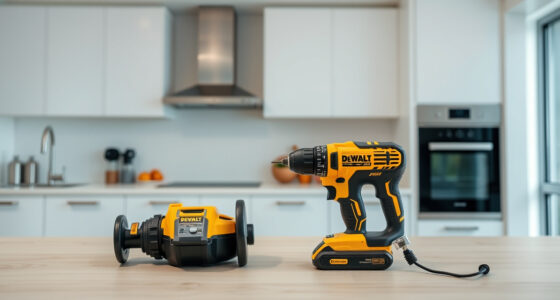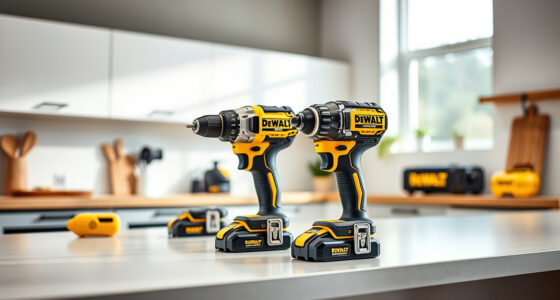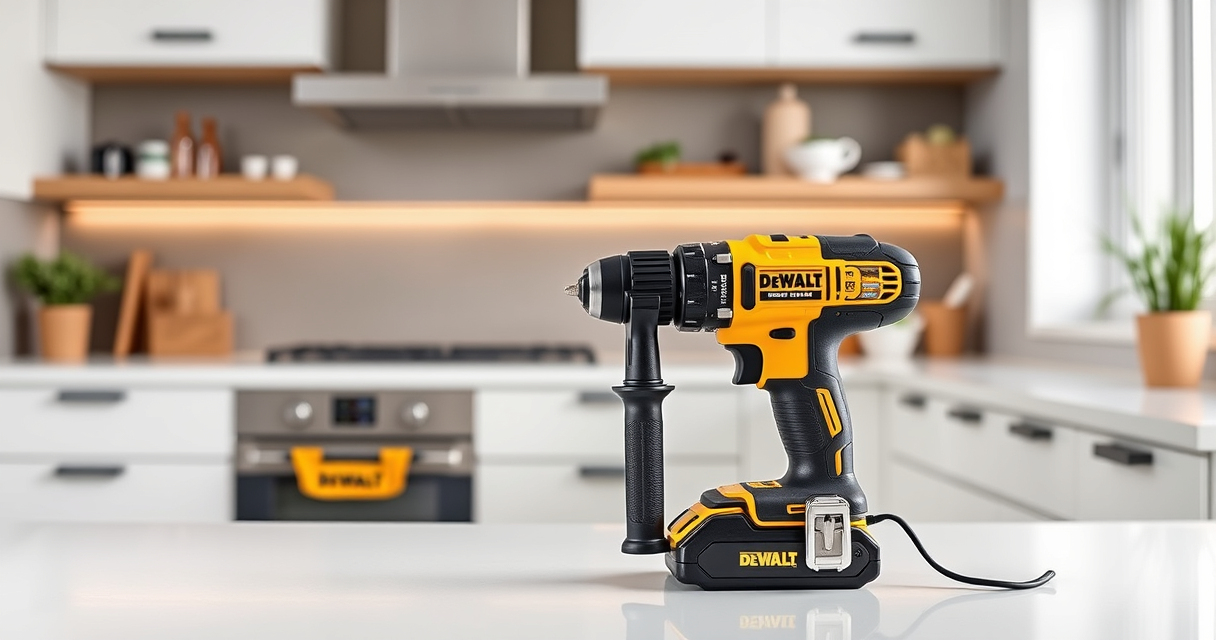

If your DEWALT 20V MAX Cordless Drill and Impact Driver is overheating during use, it’s a common issue that can often be fixed with some simple troubleshooting. Overheating can reduce battery life and damage internal components, so prompt action is essential to keep your tool running smoothly.

Get garden gear delivered free — and shop member deals
- Fast, free delivery on millions of items
- Access to Prime Big Deal Days deals on October 6–7
- Prime Video, Amazon Music and more included
In this guide, we’ll walk you through practical steps to diagnose and resolve overheating problems safely, ensuring your DEWALT tool performs reliably for your projects.
Key Takeaways
| Overheating causes | Poor ventilation, overuse, or faulty batteries can cause overheating. |
| Initial check | Ensure the tool isn’t obstructed and battery contacts are clean. |
| Cooling tips | Allow the tool to cool down before reusing and avoid continuous heavy-duty use. |
| Battery health | Faulty or old batteries may contribute to overheating; test with a known good pack. |
| Maintenance | Regularly clean vents and check for debris to prevent heat buildup. |
Step 1: Power Down and Cool Off
- Turn off the tool immediately if it feels hot.
- Remove the battery pack from the tool.
- Place the tool in a cool, dry area and allow it to cool for at least 15-30 minutes.
Step 2: Inspect and Clean Ventilation Openings
- Check the air vents on the tool for dust, debris, or obstructions.
- Use a soft brush or compressed air to gently clear any buildup.
- Ensure vents are completely clear to promote airflow during use.
Step 3: Examine the Battery and Connections
- Remove the battery and inspect the contacts for dirt or corrosion.
- Clean contacts with a dry cloth or a small amount of isopropyl alcohol.
- Test the battery on another compatible DEWALT tool to verify it isn’t causing overheating.
Step 4: Test the Tool Without Load
After cleaning and cooling, reassemble the tool and run it without load for a few minutes. If it heats up quickly again, the issue may be internal or related to the motor or electronics.
Step 5: Check for Mechanical or Internal Issues
- If overheating persists, consider inspecting or replacing worn brushes or internal components, or seek professional repair.
- Always follow safety guidelines when disassembling power tools.
The Products in This Guide

DEWALT 20V MAX Cordless Drill and Impact Driver
- ✔ Length: 7.6 inches
- ✔ Battery Type: Lithium-ion
- ✔ Warranty: 3 years

DEWALT Drill Bit Set
- ✔ Compatibility: All 3/16-inch shank drills
- ✔ Durability: High resistance to breakage
- ✔ Application: Wood, plastic, metal
DEWALT 20V MAX Cordless Drill and Impact Driver
The DEWALT 20V MAX Cordless Drill and Impact Driver is a versatile and compact tool ideal for tight spaces. Proper maintenance, including cooling and cleaning, can prevent overheating issues and extend its lifespan.
Pros:
- Compact and lightweight
- Ergonomic grip
- Bright LED light
- Quick bit change
Cons:
- Can overheat with continuous heavy use
- Battery may need replacement over time
Best for: DIY enthusiasts and professionals needing reliable cordless power
Not ideal for: Heavy-duty continuous drilling without breaks
Bottom line: Regular maintenance and proper usage are key to preventing overheating of your DEWALT drill and impact driver.
DEWALT Drill Bit Set
Pair your DEWALT drill with this durable 14-piece drill bit set, designed for various materials and providing reliable performance, especially after troubleshooting overheating issues.
Pros:
- High-speed steel construction
- Split point design for reduced walking
- Corrosion-resistant coating
- Easy size identification
Cons:
- May need specific bits for heavy-duty tasks
- Not for heavy industrial use
Best for: General drilling in wood, metal, and plastic
Not ideal for: Heavy-duty industrial applications
Bottom line: This drill bit set complements your DEWALT tool well, especially after resolving overheating issues.
Frequently Asked Questions
Why does my DEWALT drill overheat so quickly?
Overheating can result from continuous heavy use, poor ventilation, dirty vents, or faulty batteries. Regular maintenance and cooling periods help prevent this.
How long should I wait for my DEWALT tool to cool down?
Allow at least 15-30 minutes in a cool, dry area before trying to use it again to prevent internal damage.
Can I fix internal components myself?
While basic cleaning is safe, internal repairs should be performed by qualified technicians to avoid voiding warranty or causing further damage.
How do I prevent my batteries from overheating?
Use batteries within recommended temperatures, avoid overcharging, and store them in a cool, dry place. Replace old or damaged batteries promptly.
Keeping Your DEWALT Power Tools Cool and Reliable
By following these troubleshooting steps, you can effectively address overheating issues with your DEWALT power tools, ensuring safety and prolonging their lifespan. Remember, proper maintenance and mindful usage are key to optimal performance, so stay attentive to your tool’s condition and give it adequate rest periods during demanding tasks.
Affiliate disclosure: As an Amazon Associate we earn from qualifying purchases. Prices and availability are accurate as of the time of publishing.
Fall Picks
fall essentials
As an affiliate, we earn on qualifying purchases.